
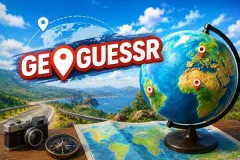
GeoGuessr
Explore random global locations using Google Street View in GeoGuessr, an online geography map puzzle game. Hunt for regional clues, test your geography knowledge.




Where in the World Did You Land?
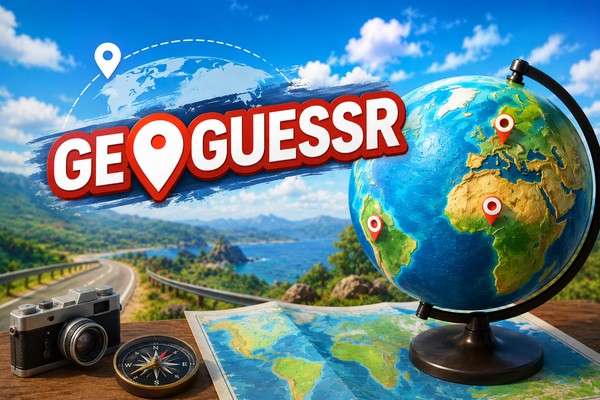
GeoGuessr is an immersive online geography map puzzle game. You drop blindly into random locations anywhere on Earth using Google Street View.
Features that make every location worth exploring:
- Random locations create a different challenge each round.
- Detailed 360-degree environments provide many visual clues.
- Several game modes offer solo and competitive experiences.
- Custom maps can focus on countries, cities, or special themes.
- Distance-based scoring rewards accurate guesses.
- Multiple rounds test consistency.
How to Find Your Spot in GeoGuessr
Each round starts with a 360-degree view. Take a quick look around before choosing a location. Check the road, traffic, signs, buildings, and landscape.
Move around when the first view does not give enough information. A road sign can show a language or place name. Road lines can also help. The type of road can tell you more about the region. Hills, forests, dry ground, and tropical plants can also narrow the search.
When you have enough clues, open the map. Pick the area that best matches what you found. Confirm the guess and see the real location. Your score shows how close you were.
Action Controls
- Mouse Drag – Look around
- Mouse Click – Move through the area
- Mouse Wheel – Zoom in or out
- Arrow Keys – Move along the road
- Map Click – Place your guess
- Make Guess – Confirm your answer
Better Ways to Read the Map in GeoGuessr
Check the Area First
Look at the overall setting. A busy city feels different from a quiet village. A dry road also gives different clues from a green mountain area.
Read Any Visible Text
Look for signs, shop names, or road markings. Even a short word can help identify a country.
Watch the Traffic
Check which side of the road cars use. This can remove many possible locations.
Look at Buildings and Nature
Roof shapes, walls, trees, and the local climate can support your guess. Use these details together instead of trusting only one.
Build Your Guess From Several Clues
A single clue can be misleading. Several clues that point in the same direction are much stronger. Compare them before you place the marker.